1. Introduction
“APU, GPU, PSU – alphabet soup or critical AI infrastructure choices?”
For AI teams, hardware acronyms aren’t just jargon—they’re pivotal decisions impacting cost, speed, and success. Confusing an APU with a GPU (or underestimating your PSU) can cripple large language model deployments before they even begin. Understanding these components isn’t optional; it’s essential to prevent costly mismatches in your AI stack. At the heart of this ecosystem sits the GPU—the non-negotiable powerhouse driving modern AI. This is where WhaleFlux transforms raw hardware into strategic advantage: by maximizing GPU efficiency in multi-node clusters, we help enterprises slash cloud costs by 30%+ while accelerating model deployment. Let’s decode the hardware puzzle.
2. Hardware Demystified: Definitions & Core Functions
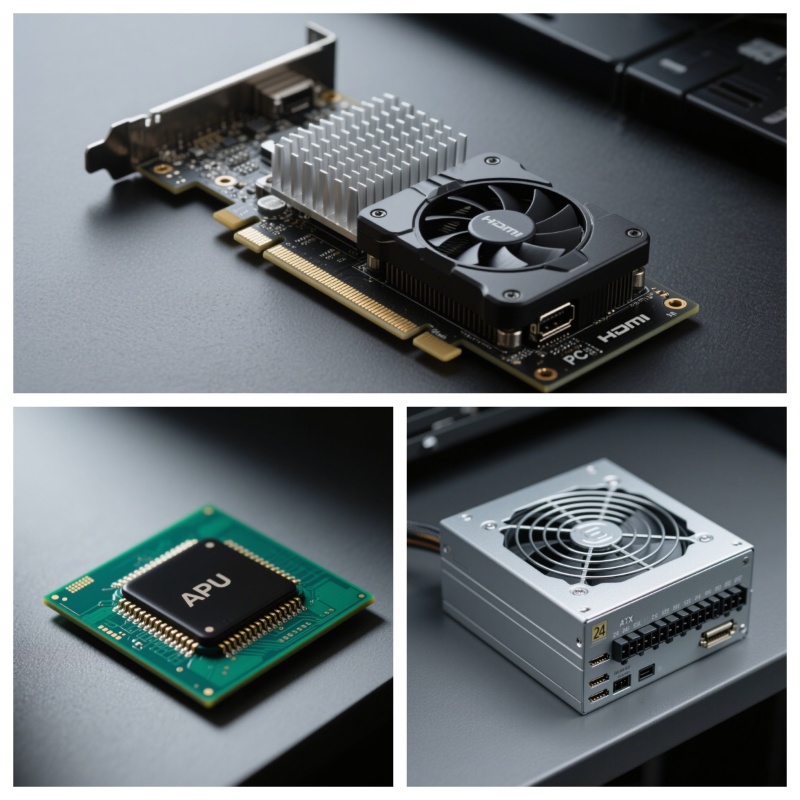
A. GPU (Graphics Processing Unit)
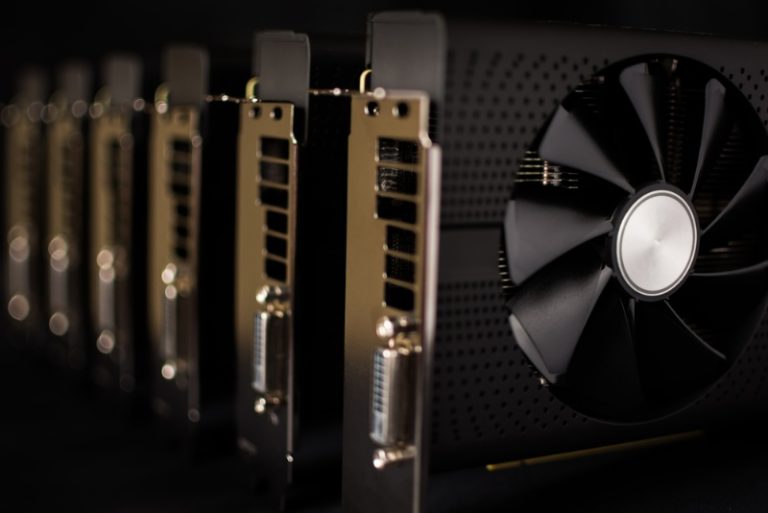
- Role: A specialized processor built for parallel computation. Unlike CPUs (good at sequential tasks), GPUs handle thousands of operations simultaneously.
- AI Impact:
Training: Trains LLMs like GPT-4 by processing terabytes of data in parallel.
Inference: Runs real-time predictions (e.g., chatbots, image recognition).
- Reality Check: No viable alternative exists for serious AI work. Models like Stable Diffusion or Llama 3 demand GPU muscle.
B. APU (Accelerated Processing Unit)
- Role: AMD’s hybrid design combining a CPU + basic integrated GPU on one chip.
- Best For: Budget laptops/desktops, casual gaming, office tasks.
- AI Limit:
Integrated GPUs lack parallel cores (e.g., AMD Ryzen APUs have 2–12 cores vs. NVIDIA A100’s 6,912).
Cannot train models—struggles even with small datasets.
- Verdict: An AI non-starter. Like using a bicycle for a freight train job.
C. PSU (Power Supply Unit)
- Role: The silent workhorse powering all components. Converts AC wall power to stable DC voltage.
- Critical Specs:
Wattage: High-end GPUs guzzle power (e.g., NVIDIA H100 needs 700W+ per GPU).
Efficiency Rating: 80+ Gold/Platinum PSUs waste less energy as heat.
- Hidden Cost: An underpowered PSU throttles GPU performance or crashes servers during peak loads.
3. Why GPU Dominance Matters for AI
A. Performance Gap
- GPU vs APU Speed:
Training ResNet-50 on an APU (AMD Ryzen 9): ~5 days.
Same task on NVIDIA H100 GPU: Under 1 hour.
- Why? GPUs have thousands of cores + AI-optimized memory (HBM3 in H200). APUs share slow system RAM.
B. Scalability Reality
- APUs: Cannot cluster effectively. No NVLink support for high-speed interconnects.
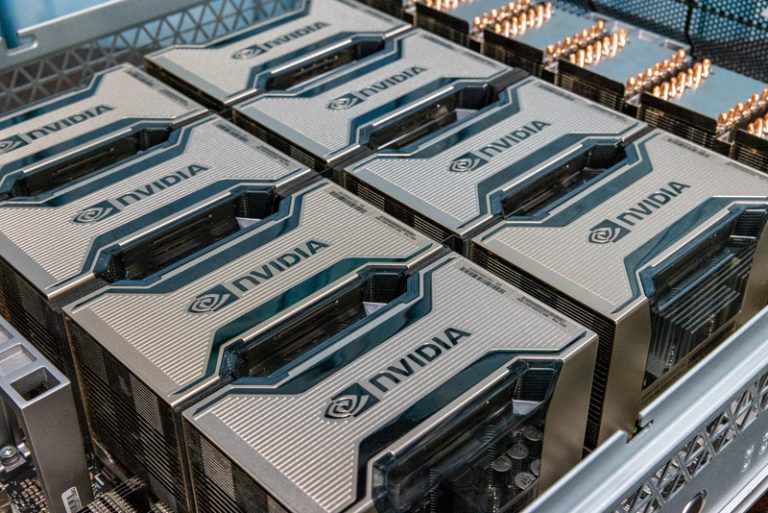
- GPUs: Designed for scale. WhaleFlux-managed clusters link 64+ NVIDIA GPUs (H100/H200/A100) into a unified supercomputer.
C. The PSU Factor
- High-Wattage Demands: A 8x NVIDIA H100 server needs a 4,000W+ Platinum PSU.
- Risk: Overloaded PSUs cause:
Random shutdowns during 72-hour training jobs.
Data corruption from “dirty” power delivery.
- WhaleFlux Insight: Optimized GPU load = lower peak power draw → smaller PSU requirements.
4. Optimizing GPU Workloads with WhaleFlux
A. Intelligent GPU Management
WhaleFlux dynamically allocates AI tasks across mixed GPU fleets (H100, H200, A100, RTX 4090) based on real-time load, memory needs, and job priority.
- Example: Auto-assigns heavy training to H100s while routing inference to RTX 4090s.
- Result: 95% GPU utilization vs. industry avg. of 40-60%.
B. Power & Cost Efficiency
- Idle GPUs = Wasted Power: A single idle H100 burns 300W+ doing nothing.
- WhaleFlux Fix: Consolidates fragmented workloads → reduces cluster power draw by 25%+.
- Cost Impact: Lower energy bills + fewer GPUs needed → 30%+ cloud savings.
C. Simplified Deployment
- Flexible Access:
Purchase WhaleFlux-managed NVIDIA GPU servers (H100/H200/A100/RTX 4090).
Lease dedicated GPUs for 1 month minimum (ideal for training sprints or production LLMs).
- No Hourly Billing: Sustained workloads only—no surprise costs.
D. Stability for LLMs
- Problem: Power spikes from unbalanced loads crash training jobs.
- WhaleFlux Solution:
Evenly distributes workloads → prevents PSU overloads.
Real-time monitoring → reroutes jobs before failures.
- Outcome: 50% faster deployments with 99.9% uptime for mission-critical inference.
5. Key Takeaways
| Component | Best For | AI Suitability | WhaleFlux Advantage |
| APU | Budget desktops | ❌ (No real AI use) | N/A |
| GPU | AI/ML, HPC | ✅ (Essential) | Maximizes ROI on H100/H200/A100 |
| PSU | System stability | ✅ (Critical) | Reduces load → smaller PSU needs |
WhaleFlux Advantage: *Unlocks 30%+ cost savings and 50% faster deployments by optimizing NVIDIA GPU clusters—the only viable AI accelerators.*
6. Conclusion
GPUs fuel AI breakthroughs; APUs distract with false promises; PSUs enable it all. For enterprises, the choice is clear: prioritize GPU-centric infrastructure and optimize every watt. WhaleFlux makes this effortless—transforming expensive hardware into streamlined, cost-efficient AI factories. Stop wrestling with mismatched components. Start scaling intelligently.
Let WhaleFlux manage your NVIDIA GPU cluster. Explore H100, H200 & A100 solutions.
FAQs
1. What are the distinct roles of PSU, APU and GPU in a computing system?
PSU (Power Supply Unit) provides stable power to all components; APU (Accelerated Processing Unit) combines CPU and basic graphics on a single chip; while GPU (Graphics Processing Unit) like NVIDIA’s RTX 4090 specializes in parallel processing for graphics and AI workloads.
2. Can an APU handle AI workloads instead of a dedicated GPU?
While APUs can manage basic AI tasks, they lack the specialized tensor cores and massive parallel processing capability of dedicated NVIDIA GPUs. For serious AI development, GPUs like RTX 4090 or data center GPUs available through WhaleFlux are essential for meaningful performance.
3. Why are NVIDIA GPUs particularly suited for AI compared to other processing units?
NVIDIA GPUs feature thousands of cores and specialized tensor cores optimized for matrix operations fundamental to AI. From RTX 4090’s AI capabilities to H100’s transformer engine, this architecture, combined with CUDA ecosystem, makes them ideal for AI workloads that WhaleFlux expertly manages across multi-GPU clusters.
4. How does power supply (PSU) requirements differ between gaming and AI workloads?
AI training creates sustained, high-power demand across multiple GPUs, requiring robust PSUs with clean power delivery. WhaleFlux eliminates this concern by providing fully configured NVIDIA GPU clusters with optimized power infrastructure, whether you need RTX 4090s for development or H100 systems for production training.
5. What’s the advantage of using WhaleFlux versus building our own GPU infrastructure?
WhaleFlux provides enterprise-grade management for NVIDIA GPU clusters without the complexity of sourcing hardware, configuring power systems, or optimizing workloads. Our platform maximizes utilization of NVIDIA GPUs from RTX 4090 to H100 through intelligent resource allocation, available via flexible monthly rental plans that ensure cost-effective AI scaling.