1. Introduction
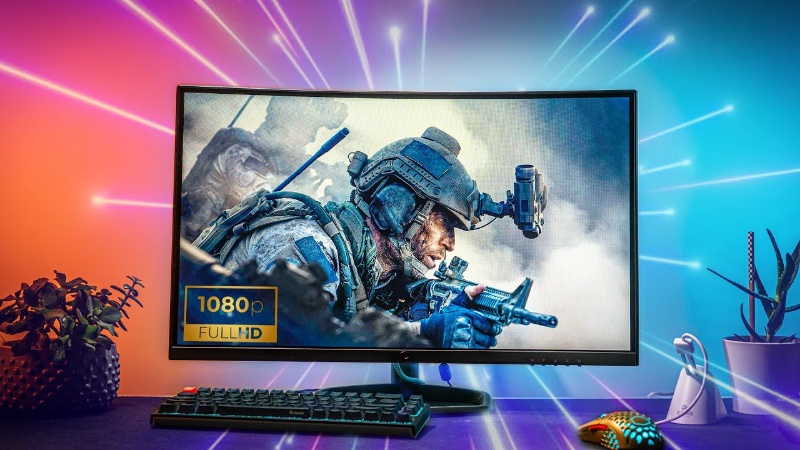
For millions of gamers, 1080p remains the gold standard—delivering sharp visuals, high frame rates, and smooth gameplay without breaking the bank. Choosing the right GPU here is about balancing performance, cost, and longevity. A smart pick ensures you hit 60+ FPS (or 144+ Hz for competitive play), avoids overspending on unused power, and keeps your rig relevant for years. But just as gamers optimize their setups, AI enterprises face a parallel challenge: squeezing value from expensive GPU resources. While you hunt for the perfect graphics card, companies struggle with idle clusters and soaring cloud bills. Enter WhaleFlux—a solution that brings gaming-like efficiency to AI infrastructure.
2. Key Features of a Great 1080p Gaming GPU
A. Performance Metrics
- FPS Targets: Aim for 60+ FPS for AAA titles or 144+ FPS for esports.
- Ray Tracing: Optional but growing in titles like Cyberpunk 2077; NVIDIA’s DLSS help maintain frames.
- VRAM: 8GB is ideal for future-proofing (e.g., Hogwarts Legacy uses >10GB at ultra settings).
B. Value Considerations
- Price-to-Performance: Cards like the RTX 4060 ($299) deliver 1080p dominance at minimal cost.
- Efficiency: Low power draw (e.g., RTX 4060’s 115W TDP) cuts electricity costs and heat.
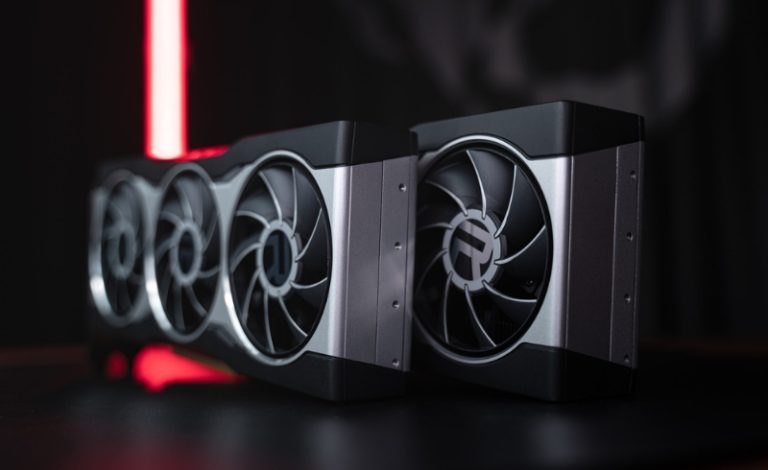
- Cooling: Dual-fan designs (common in RTX 4060 Ti) ensure quiet, sustained performance.
C. Top Contenders (2025)
- NVIDIA RTX 4060 Ti: $379–$429; DLSS 4 boosts FPS by 2× in Fortnite.
- Honorable Mention: RTX 4090: Extreme overkill for 1080p (handles 4K effortlessly), but future-proof for a decade.
3. The Enterprise GPU Parallel: Beyond Gaming
A. GPU Demand in AI
Training LLMs like GPT-4 demands colossal compute power. While a gamer’s RTX 4090 (330 FP16 TFLOPs) is powerful, AI giants rely on data-center beasts like NVIDIA H100 (989 FP16 TFLOPs) for massive-scale training.
B. The Cost Challenge
Idle GPUs drain budgets. Static cloud deployments often operate below 30% utilization, wasting $80k+ daily for firms running 1,000 AI pipelines. Fragmented clusters further slow deployments.
C. Introducing WhaleFlux
Think of WhaleFlux as overclocking your AI infrastructure. This smart management tool:
- Eliminates idle time by pooling GPUs (like H100, A100, or RTX 4090) into shared clusters, boosting utilization to 90%.
- Slash costs by automating scaling and load balancing—no more paying for unused hourly cloud cycles.
- Hardware Flexibility: Lease or buy dedicated NVIDIA H100, H200, A100, or RTX 4090 clusters—no hourly billing, minimum 1-month terms.
4. Why RTX 4090? Bridging Gaming & AI
A. For Gamers
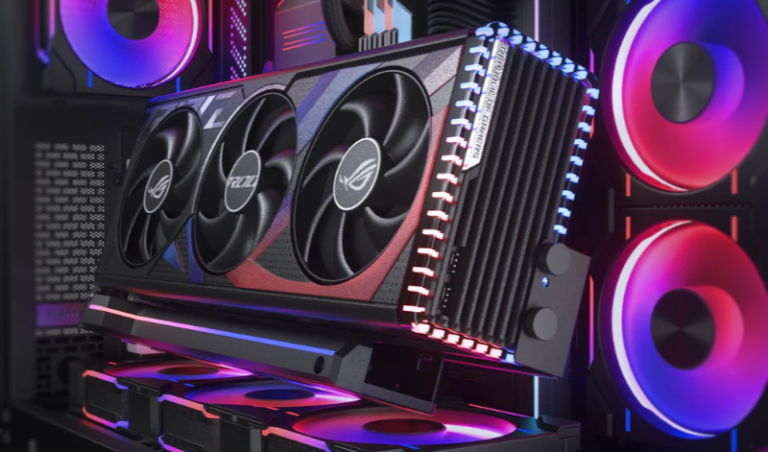
The RTX 4090 obliterates 1080p/1440p games, pushing 150+ FPS in Fortnite even without DLSS. It’s ideal for max settings + 240Hz displays.
B. For AI Developers
Surprise: The 4090’s 330 TFLOPs FP16 performance rivals the $20k A100 (312 TFLOPs) for small-scale tasks like fine-tuning models or inference. Its 11.4× better price-to-performance makes it a secret weapon for labs.
- Via WhaleFlux: Deploy 4090s in managed clusters—zero underutilization, no hardware headaches.
5. WhaleFlux in Action: Optimizing GPU Workloads
A. Use Case
An AI startup reduced cloud costs by 40% after migrating LLM training to WhaleFlux’s dedicated A100/H100 clusters. Automated scaling cut deployment delays from hours to minutes.
B. Key Benefits
- Zero Idle Time: Continuous workload scheduling ensures 24/7 GPU usage.
- Auto-Scaling: Add/remove GPUs based on real-time demand (e.g., surge during model training).
- Simplified Orchestration: Manage multi-GPU nodes like a single system.
C. Flexibility
WhaleFlux offers:
- Lease or purchase H100, H200, A100, or RTX 4090 clusters.
- Project-tailored setups: Dedicated nodes for R&D; shared pools for lighter workloads.
6. Conclusion: Right GPU, Right Scale
- For Gamers: Prioritize value—the RTX 4060 Ti dominates 1080p. Only splurge on the 4090 for extreme future-proofing.
- For AI Teams: Raw GPU power isn’t enough. WhaleFlux transforms expensive hardware into efficient, cost-smart infrastructure—whether you’re deploying H100s for training or RTX 4090s for inference.
Game smarter. Build smarter.
Whether you’re fragging noobs or fine-tuning LLMs, the right tools turn potential into dominance.
FAQs
1. What is the best value NVIDIA GPU for smooth 1080p gaming today?
For excellent high-frame-rate 1080p gaming, the NVIDIA GeForce RTX 4060 is a top contender. It delivers smooth performance in modern titles and provides access to DLSS 3 technology for a significant frame rate boost, offering great value for its price.
2. Is 8GB of VRAM enough for 1080p gaming?
Yes, 8GB of VRAM, which is standard on cards like the RTX 4060 and RTX 4060 Ti (8GB model), is generally sufficient for a great 1080p gaming experience with high-to-ultra settings in the vast majority of current games.
3. How does DLSS benefit 1080p gaming?
At 1080p, DLSS can dramatically increase performance. By rendering the game at a lower resolution and using AI to upscale it to 1080p, DLSS can boost frame rates significantly, allowing you to max out graphics settings or enable demanding features like ray tracing while maintaining smooth gameplay.
4. Should I consider a more powerful GPU like the RTX 4070 for 1080p to be “future-proof”?
While an RTX 4070 is overkill for 1080p today, it’s a solid strategy for future-proofing. It ensures you can max out any game for years to come and easily handle a future monitor upgrade to 1440p. It also means you’ll have power to spare for other tasks.
5. I’m a developer; can I use these gaming GPUs for AI work and game testing?
Absolutely. NVIDIA GeForce GPUs are excellent for AI development, prototyping, and fine-tuning models. A card like the RTX 4060 Ti (16GB model) is a great dual-purpose solution. For large-scale AI model training that requires more power, WhaleFlux provides access to NVIDIA data center GPUs like the A100 and H100, available for rent or purchase on a monthly basis, separating your heavy-duty AI workload from your local development and testing machine.