Introduction
AI inference latency—the delay between input submission and model response—can make or break real-world AI applications. Whether deploying chatbots, recommendation engines, or computer vision systems, slow inference speeds lead to poor user experiences, higher costs, and scalability bottlenecks.
This guide explores actionable techniques to reduce AI inference latency, from model optimization to infrastructure tuning. We’ll also highlight how WhaleFlux, an end-to-end AI deployment platform, automates latency optimization with features like smart resource matching and 60% faster inference.
1. Model Optimization: Lighten the Load
Adopt Efficient Architectures
Replace bulky models (e.g., GPT-4) with distilled versions (e.g., DistilBERT) or mobile-friendly designs (e.g., MobileNetV3).
Use quantization (e.g., FP32 → INT8) to shrink model size without significant accuracy loss.
Prune Redundant Layers
Tools like TensorFlow Model Optimization Toolkit trim unnecessary neurons, reducing compute overhead by 20–30%.
2. Hardware Acceleration: Maximize GPU/TPU Efficiency
Choose the Right Hardware
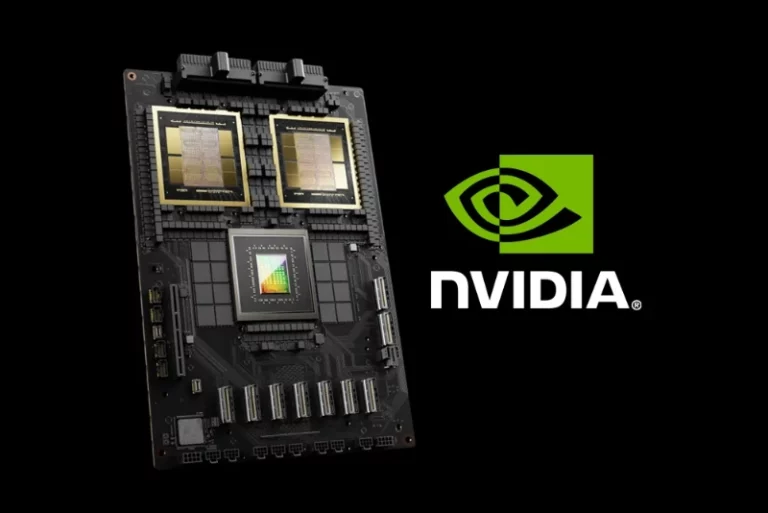
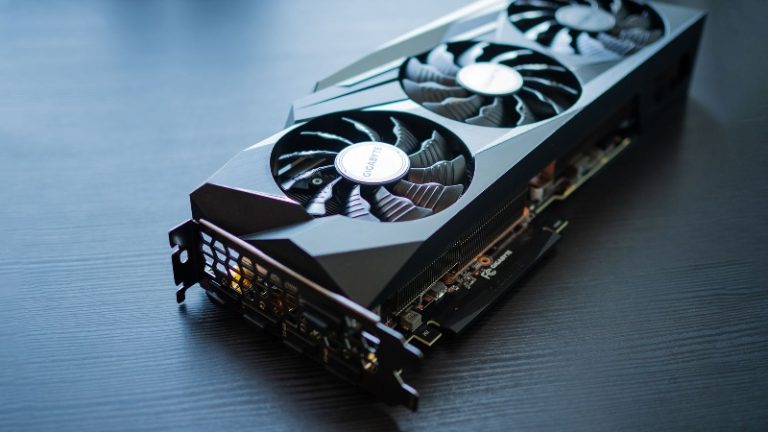
- NVIDIA A100/H100 GPUs: Optimized for parallel processing.
- Google TPUs: Ideal for matrix-heavy tasks (e.g., LLM inference).
- Edge Devices (Jetson, Coral AI): Cut cloud dependency for real-time apps.
Leverage Optimization Libraries
CUDA (NVIDIA), OpenVINO (Intel CPUs), and Core ML (Apple) accelerate inference by 2
–5×.
3. Deployment Pipeline: Streamline Serving
Use High-Performance Frameworks
- FastAPI (Python) or gRPC minimize HTTP overhead.
- NVIDIA Triton enables batch processing and dynamic scaling.
Containerize with Docker/Kubernetes
WhaleFlux’s preset Docker templates automate GPU-accelerated deployment, reducing setup time by 90%.
4. Autoscaling & Caching: Handle Traffic Spikes
Dynamic Resource Allocation
WhaleFlux’s 0.001s autoscaling response adjusts GPU/CPU resources in real time.
Output Caching
Store frequent predictions (e.g., chatbot responses) to skip redundant computations.
5. Monitoring & Continuous Optimization
Track Key Metrics
Latency (ms), GPU utilization, and error rates (use Prometheus + Grafana).
A/B Test Optimizations
- Compare quantized vs. full models to balance speed/accuracy.
- WhaleFlux’s full-stack observability pinpoints bottlenecks from GPU to application layer.
Conclusion
Reducing AI inference latency requires a holistic approach—model pruning, hardware tuning, and intelligent deployment. For teams prioritizing speed and cost-efficiency, platforms like WhaleFlux automate optimization with:
- 60% lower latency via smart resource allocation.
- 99.9% GPU uptime and self-healing infrastructure.
- Seamless scaling for high-traffic workloads.
Ready to optimize your AI models? Explore WhaleFlux’s solutions for frictionless low-latency inference.